-
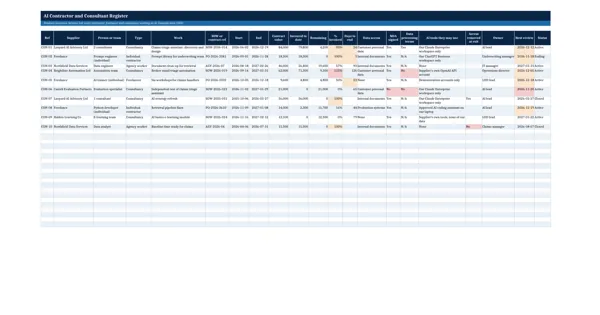
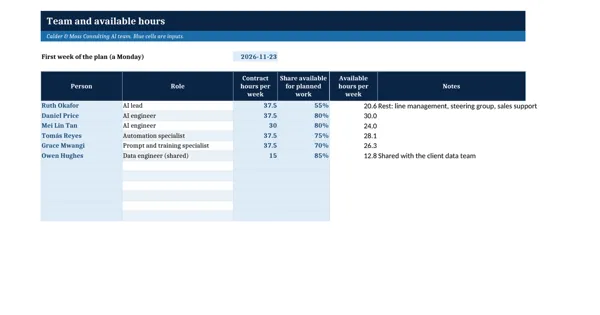 Excel workbook preview
AI Team, Roles and Workforce
AI Team Capacity and Workload Planner
3 downloads per free account, no card needed.
Who this is for
The AI lead keeps saying yes to new work and needs to see who is overloaded before the next client starts.
What is inside
- Available hours per person from contract hours and share for planned work
- 12 example work items with start and end weeks, owner and due date
- Week columns fill automatically from the dates
- Utilisation by person and week: red above 100%, amber from 85%
- Team planned vs available hours with a chart
- Overdue due dates turn red until the item is Done
How to use it: Enter the first Monday of the plan and your team's hours, then add one row per work item per person and roll the plan forward each week.
Files & formats
- XLSXai-team-capacity-and-workload-planner.xlsx19 KB
Opens in Microsoft Word or Excel, Google Docs or Sheets and LibreOffice. Delivered instantly from your browser.
Free downloads & full access
Every account gets 3 free downloads. Re-downloading a template you already have does not count. This template on its own is $17.99, and buying it keeps your free downloads for something else. Full access is a one-time $249 for all 300 templates, for life.
Bought with a different email? Open your account and enter your order number.
Licence
Use and adapt the document inside your own organisation or for your own clients. Do not resell or republish the templates themselves.