-
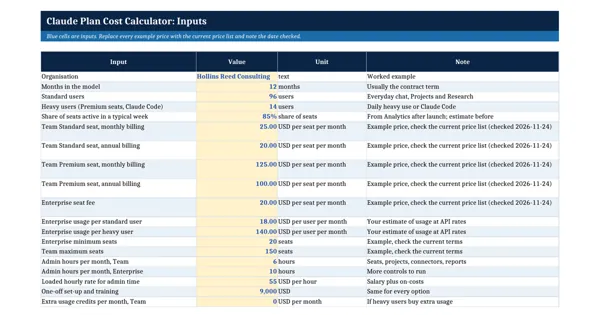
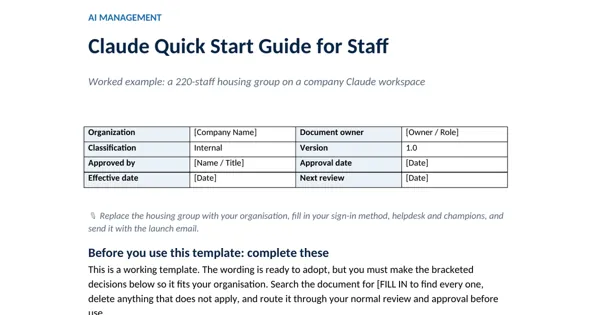
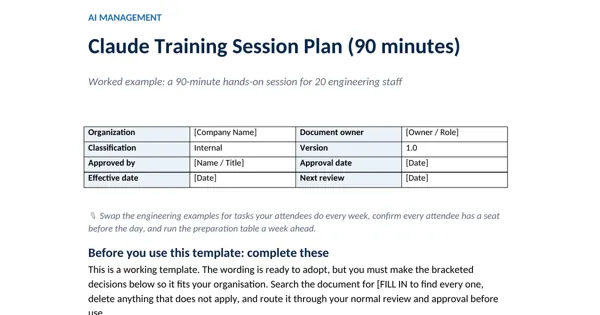
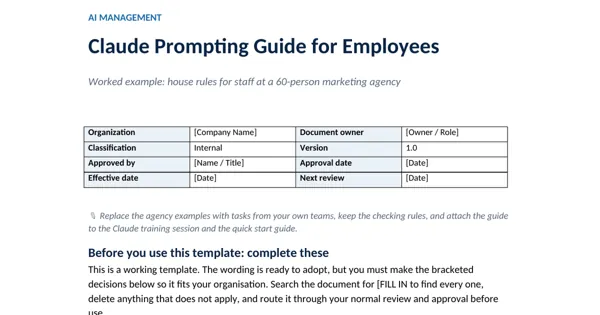
 Excel workbook preview
Claude at Work
Claude Seat and Usage Tracker
3 downloads per free account, no card needed.
Who this is for
The finance director asked how many Claude seats are paid for, who actually uses them and which seats can be moved or removed before the renewal.
What is inside
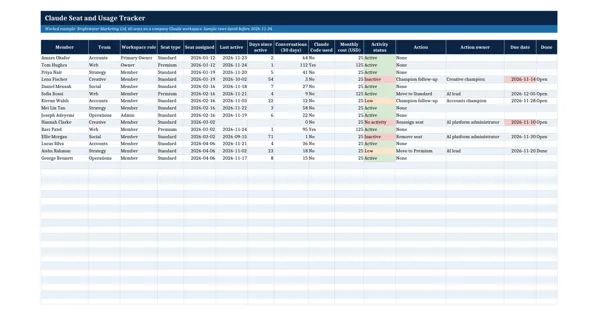
- 15 sample members with seat type, workspace role, last active date and Claude Code use
- Days since active and activity status calculate live against thresholds you set
- Monthly cost per seat looks up the Standard or Premium example price from Settings
- Inactive seats turn red, low activity amber and overdue actions red
- Summary sheet with seats, active members and cost by seat type and by team
- Bar chart of seats against active members for six teams
How to use it: Paste each member's last active date from the Analytics page once a month, update the example prices in Settings and work the action list before the next billing date.
Files & formats
- XLSXclaude-seat-and-usage-tracker.xlsx15 KB
Opens in Microsoft Word or Excel, Google Docs or Sheets and LibreOffice. Delivered instantly from your browser.
Free downloads & full access
Every account gets 3 free downloads. Re-downloading a template you already have does not count. This template on its own is $17.99, and buying it keeps your free downloads for something else. Full access is a one-time $249 for all 300 templates, for life.
Bought with a different email? Open your account and enter your order number.
Licence
Use and adapt the document inside your own organisation or for your own clients. Do not resell or republish the templates themselves. ChatGPT and OpenAI are trademarks of OpenAI; Claude and Anthropic are trademarks of Anthropic. These templates are independent and are not affiliated with, endorsed or sponsored by any AI provider. Plans, features and prices change: check the provider's current pages.