-
 Word document preview
AI for HR, Finance, Legal and Operations
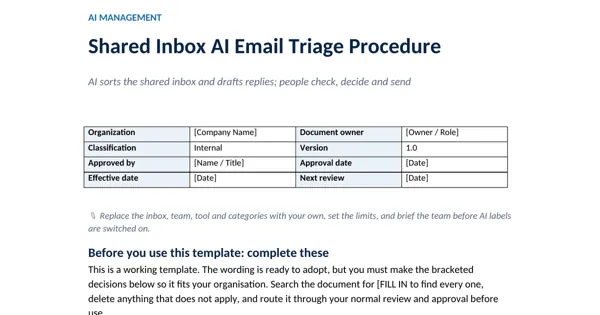
Shared Inbox AI Email Triage Procedure
3 downloads per free account, no card needed.
Who this is for
The customer operations inbox gets 2,400 emails a month and the team leader is switching on AI triage and draft replies without letting an unchecked reply reach a customer.
What is inside
- 14 numbered steps in 5 stages with owner, record and timing
- Low-confidence and escalation-word emails go to a human triage queue with no draft
- Complaints, legal threats and data requests never get an AI draft
- Daily spot check of 10 labels and an AI draft error tag on sent replies
- Misroute rate and draft error rate with limits that trigger a tested change
- Categories table with owner queues and targets, plus a worked weekly calculation
How to use it: Replace the inbox, team, tool and categories with your own, set the limits, and brief the team before AI labels are switched on.
Files & formats
- DOCXshared-inbox-ai-email-triage-procedure.docx41 KB
Opens in Microsoft Word or Excel, Google Docs or Sheets and LibreOffice. Delivered instantly from your browser.
Free downloads & full access
Every account gets 3 free downloads. Re-downloading a template you already have does not count. This template on its own is $12.99, and buying it keeps your free downloads for something else. Full access is a one-time $249 for all 300 templates, for life.
Bought with a different email? Open your account and enter your order number.
Licence
Use and adapt the document inside your own organisation or for your own clients. Do not resell or republish the templates themselves.
More in AI for HR, Finance, Legal and Operations
AI for HR, Finance, Legal and Operations
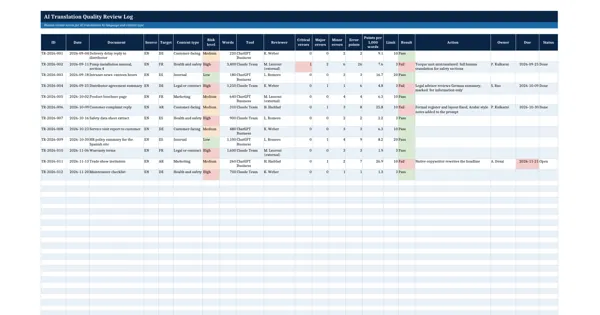
AI Translation Quality Review Log
AI for HR, Finance, Legal and Operations
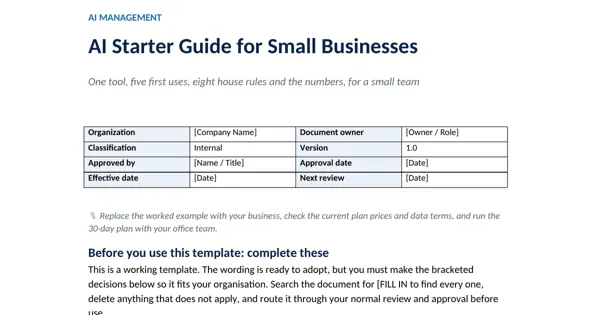
AI Starter Guide for Small Businesses
AI for HR, Finance, Legal and Operations
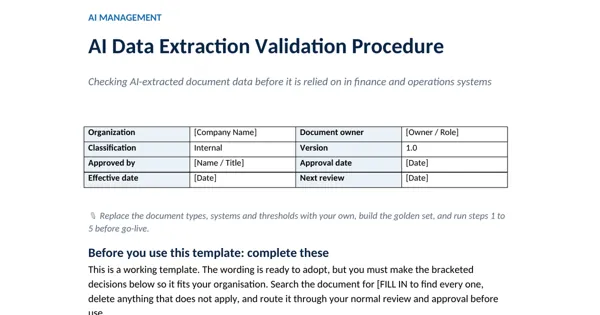
AI Data Extraction Validation Procedure
AI for HR, Finance, Legal and Operations